
It take many different parts for the computer to do its job.A Computer System includes several devices that perfom different the four basic such that the computer can work: Input, Output, Processing, and Storage
To input means to enter the data such as:images, text, or sounds in a given device. The use of the computer can choose what input device they want to use from different types of devices designed to work with different forms of data.
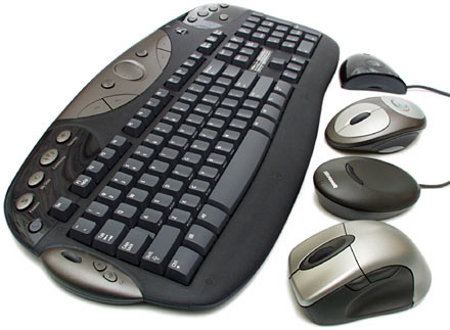
one of the basic input devices is the keyboard. you can type using it to input text(leters,numbers and symbols) and commands. a command is the instruction for the computer to perfom some action. forexample the copy command tells the computer to copy the file, document from one document, file to another.
The mouse moves a pointer on the monitor,which allows you to move around the document or other data you have on the screen.
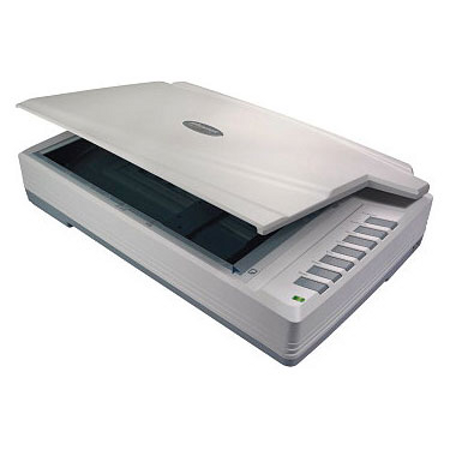
A MOUSE can also be used to input the images. You can create pictures in Draw and Paint programs by moving the mouse to make the parttens you want. You can also input the images from the internet. Digital cameras, scaners,forenstance allow you to input images that aare stored on starage device.
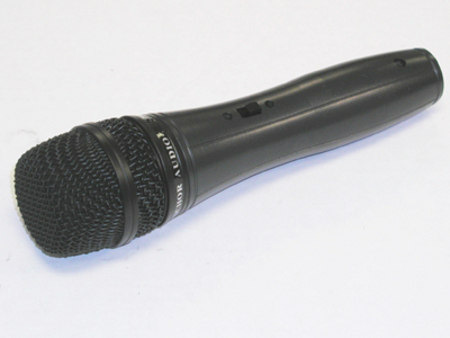
Microphones can be used to input sounds. As with images, sounds stored on a storage device or on the Internet can also be brought into the computer as input.
Inside the computer, the data travels from one device to another though the motherboard of the computer. this board is covered with electrical circuits and swuitches, and it connects the most important pieces of the hardware such as the CPU AND MEMORY.
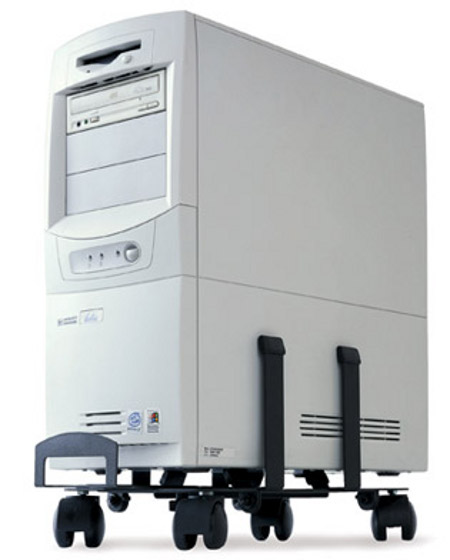
The CPU is the main processing part(device) insede the computer. this is the as chip which is inside the computer that receives the data from input devices and changes it into a form that you can use, such as text, pictures, or sounds. the procesor also gives the your commands to do something to that data, such as change a word or move a picture. the CPU has the ability of processing fewer than a thousand (1000) instructions. however it can perform millions of these operations every second. this ability is what makes the computer to works very quick.
RAM is a CPU's storage which stores the instructions in a temporal time and data it is using on chips called Random Access Memory. once the computer is turned off, the data which are not saved will be lost. Reading information from RAM takes a very little time, just like billionths of a second. Because programs today are complex, they need a large amount of RAM to run properly because the less the capacity of RAm harder the Progarm will run, and the greater the capacity of RAM the easier the Progam will run.
this is the socond type of memory called read-only Memory or ROM. These chips contain the instructions that start the computer when you turn it on. The instructions in ROM typically do not change once this memory is placed on the motherboard.
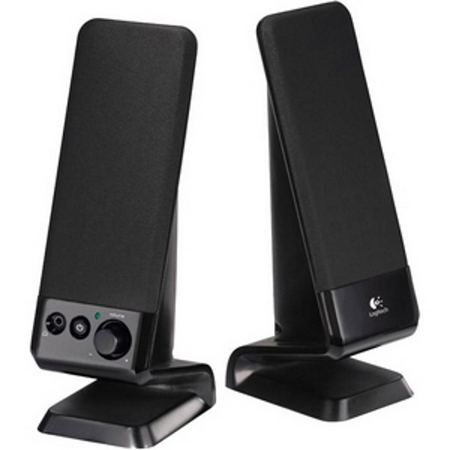
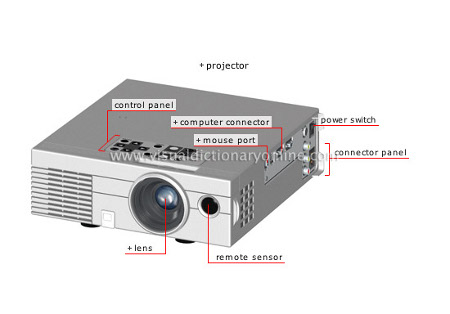
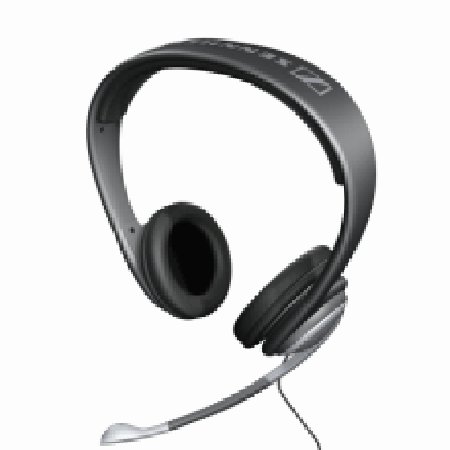
computer need the Output Devices to display the results of information that are already processed by the control processing unit. different types of data are sent in different types of devices. Text and commands are displayed on a computer screen. They can also be printed by the printer. sound data is sent to speakers inside the computer or they can be sent to the speaker which are outside the computers. Further more, they can be copied from the computer to the Removable disks. you can also plug the Headphones to the computer and listen to the sound stored in the computer or a device like flash disks, Compact Disks, Digital Video Disks,...
Storage Devices are those devices who normally store data. RAM is called a primary storage. when the computer is turned off, Ram no longer works until the computer will be turned on again. Consequently, the data will be lost. You need a permanent storage device so that your information can't be lost there are popular types of secondary storage which store data permanently.
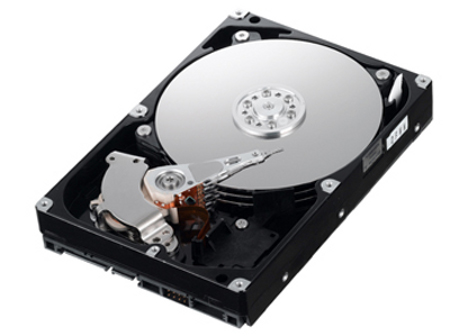
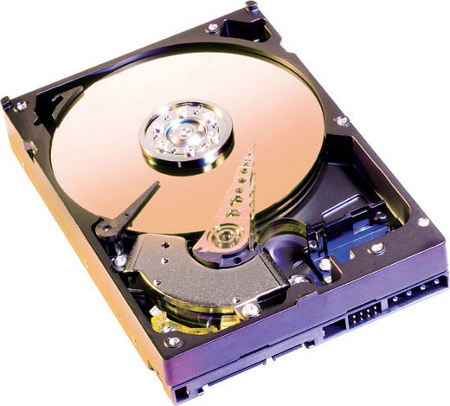
These are Hard disk drives which store the data on magnetic disks. They hold a great deal of data, but they are not portable. Floppy-disk drives can copy data onto portable disks, but floppy disks do not hold much data.
Flash media use a non-magnetic storage medium called flash memory. Flash Memory stores information in a group of special transistors called cells. Flash memory is use in digital camera, some handheld computers, and in flash drives.
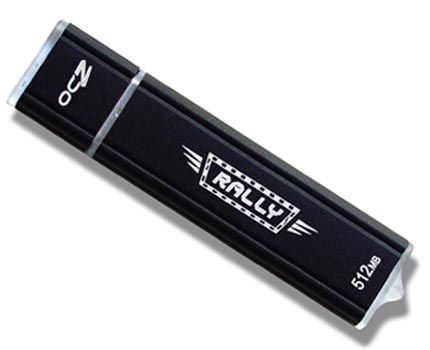
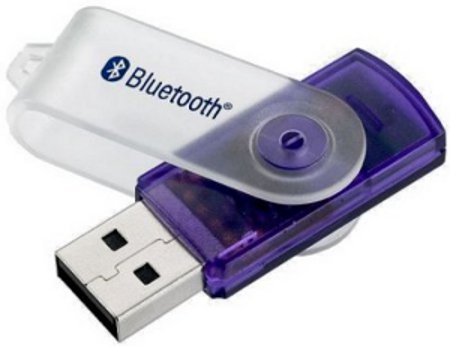
connect to the computer through a USB (Universal Serial Bus) port. They are faster than floppy disks and other portable magnetic media,and they can store more data.
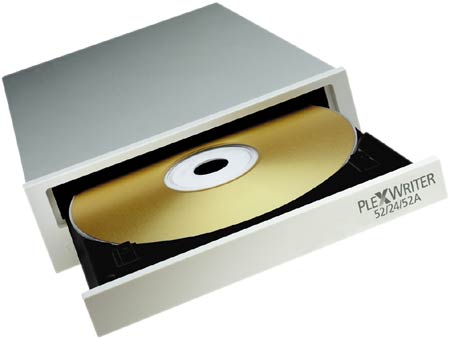
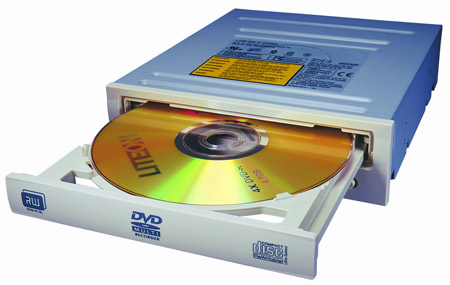
Optical Media:CD-ROM and DVD drives store data by etching tuiny pits onto a disc. a laser then scans the disk and changes the data into a form the computer can work with. Only optical drives labeled CD-R, CD-RW, or DVD/CD-RW can be used t orecord data onto blank discs.
By Theoneste